01
Choose a professionally engineered platform.
Pick a platform whose structure already fits the work.
THE DIGITAL INT Studio
Select a platform, shape it for your brand, launch it, and operate it from Studio.
01 · VANTA · Managed
Featured platform
01
Music / Music / Producer Store
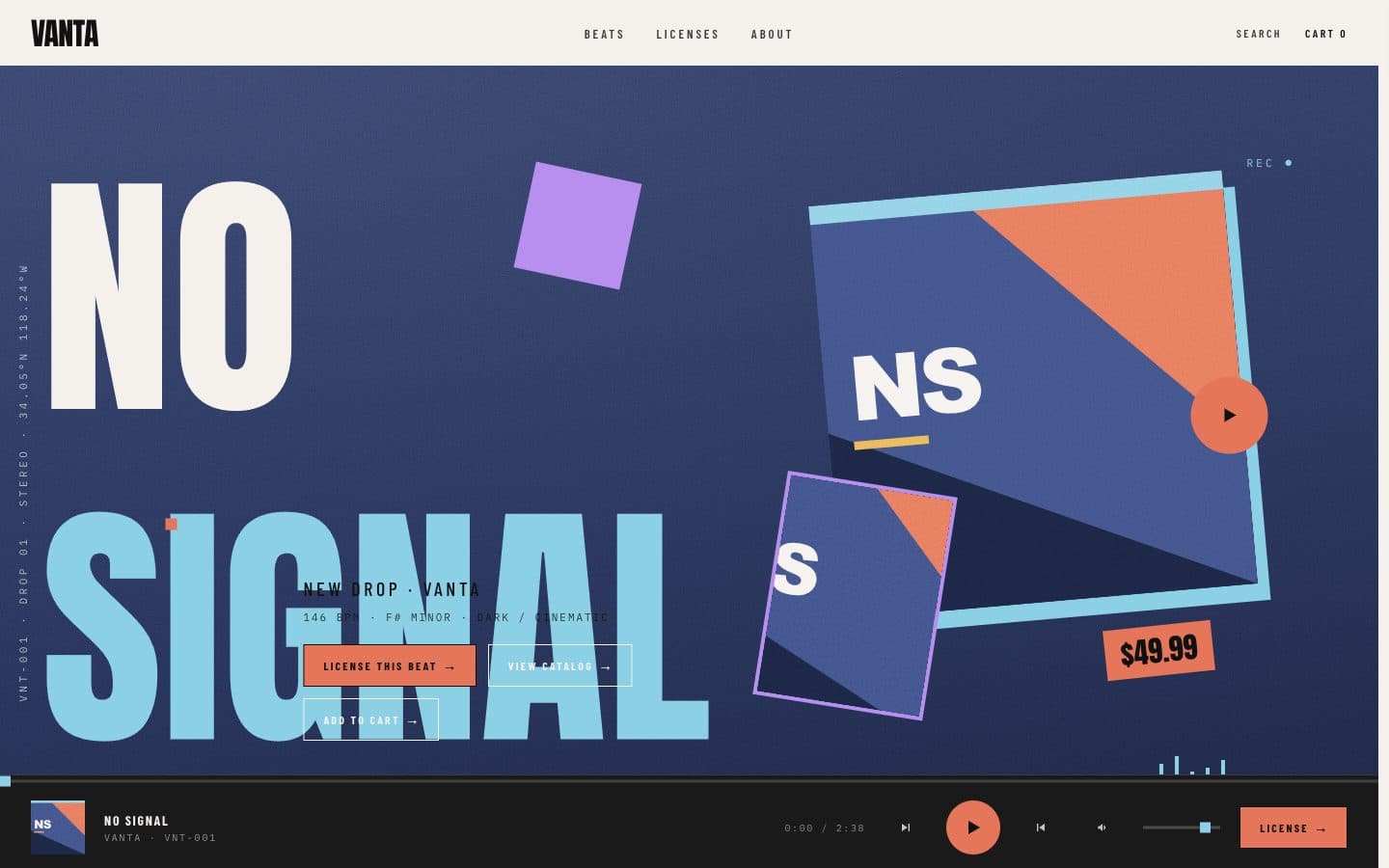
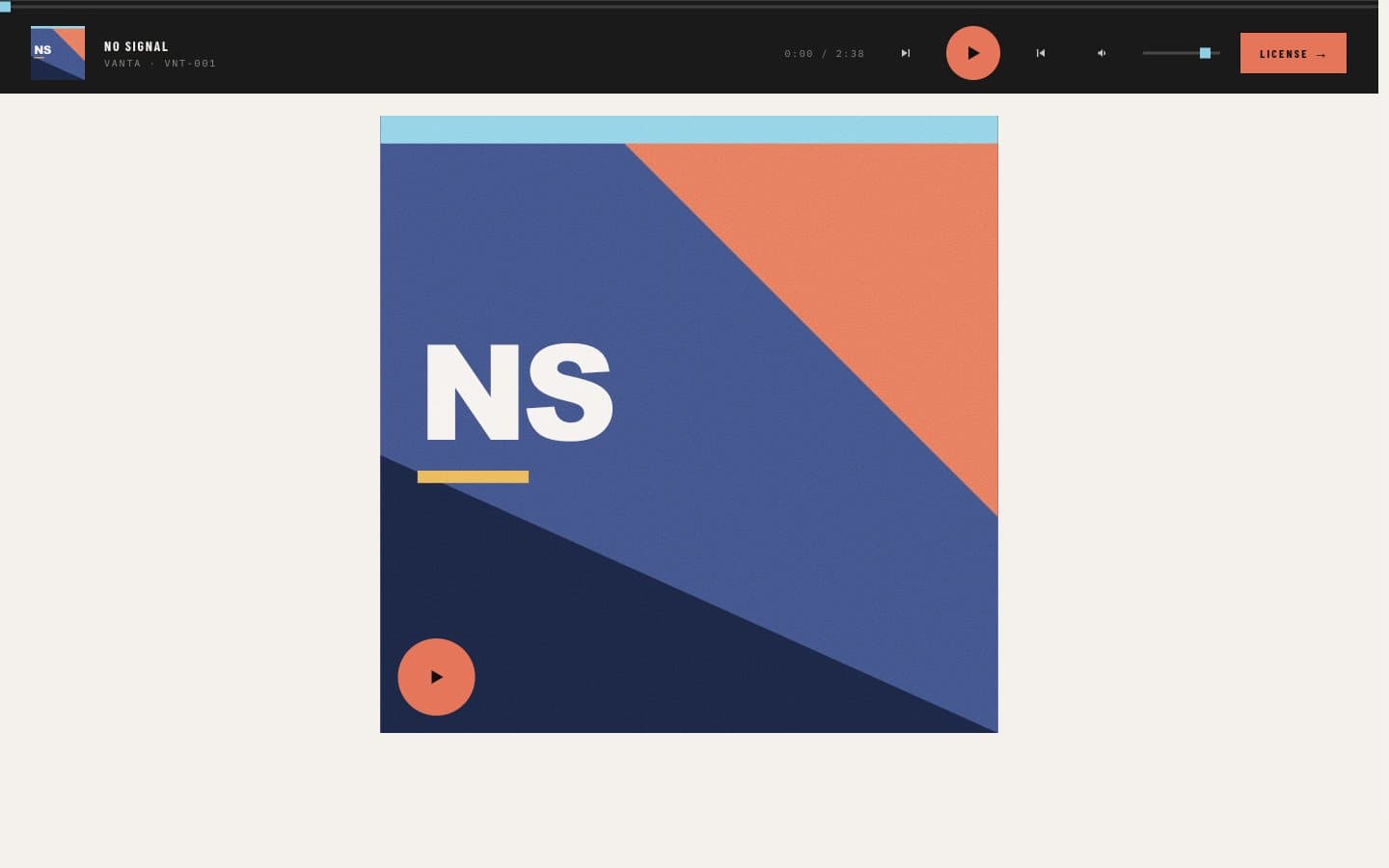
A beat store with a catalog, a player, licenses, and a cart — ready for a producer’s name.
View platformHow Studio works
01
Pick a platform whose structure already fits the work.
02
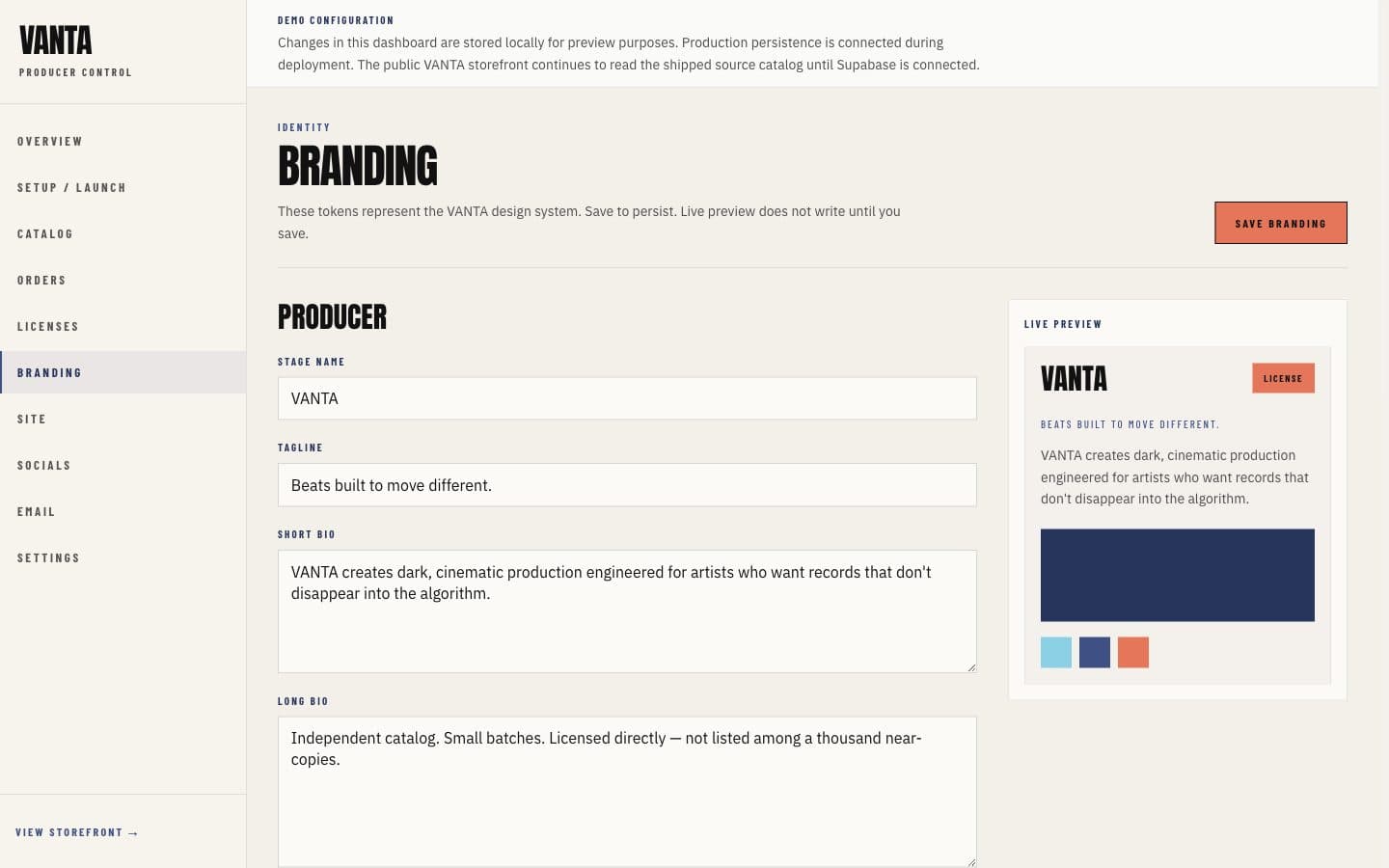
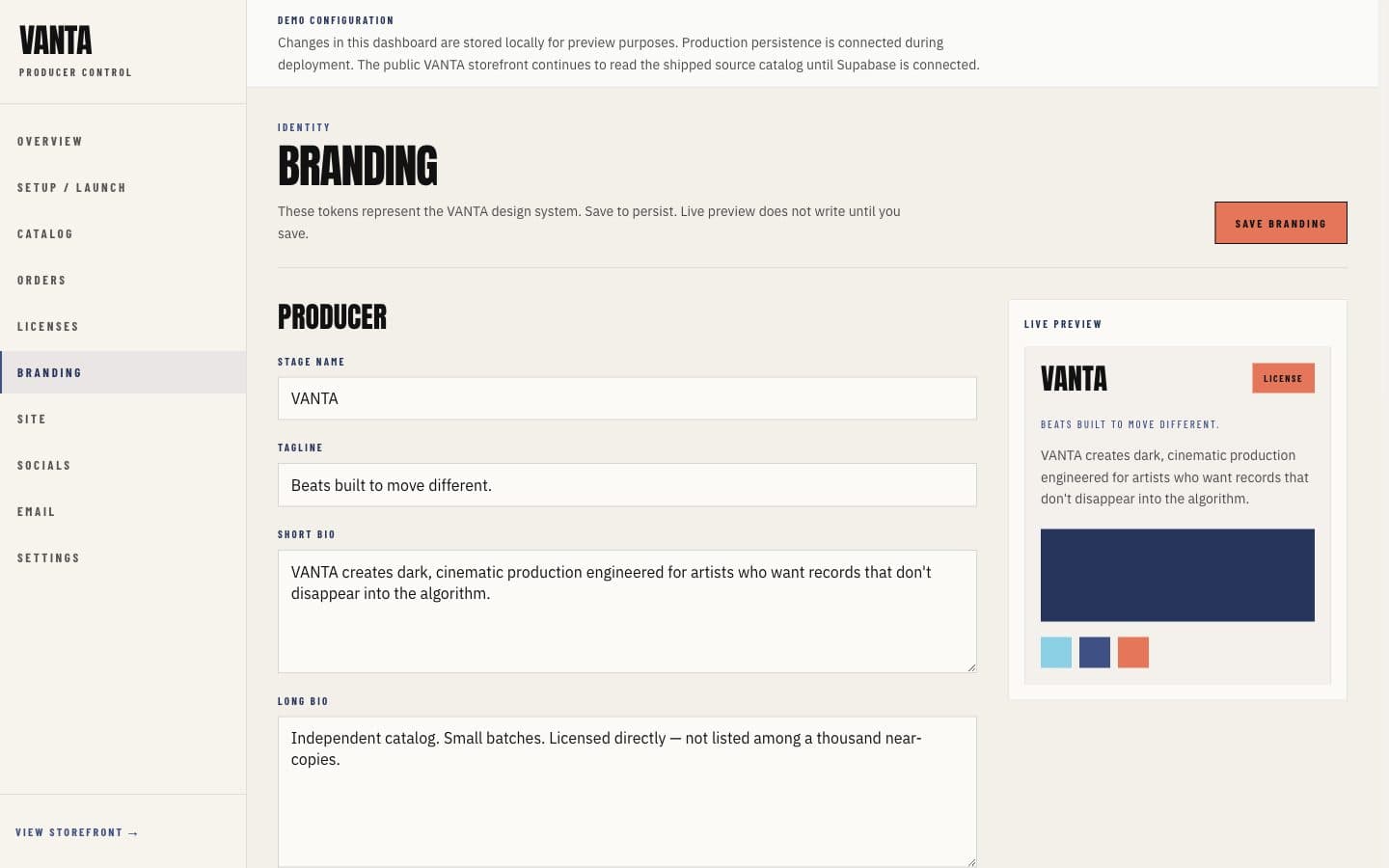
Put your name, catalog, and brand on it.
03
Publish the site and connect the domain it should use.
04
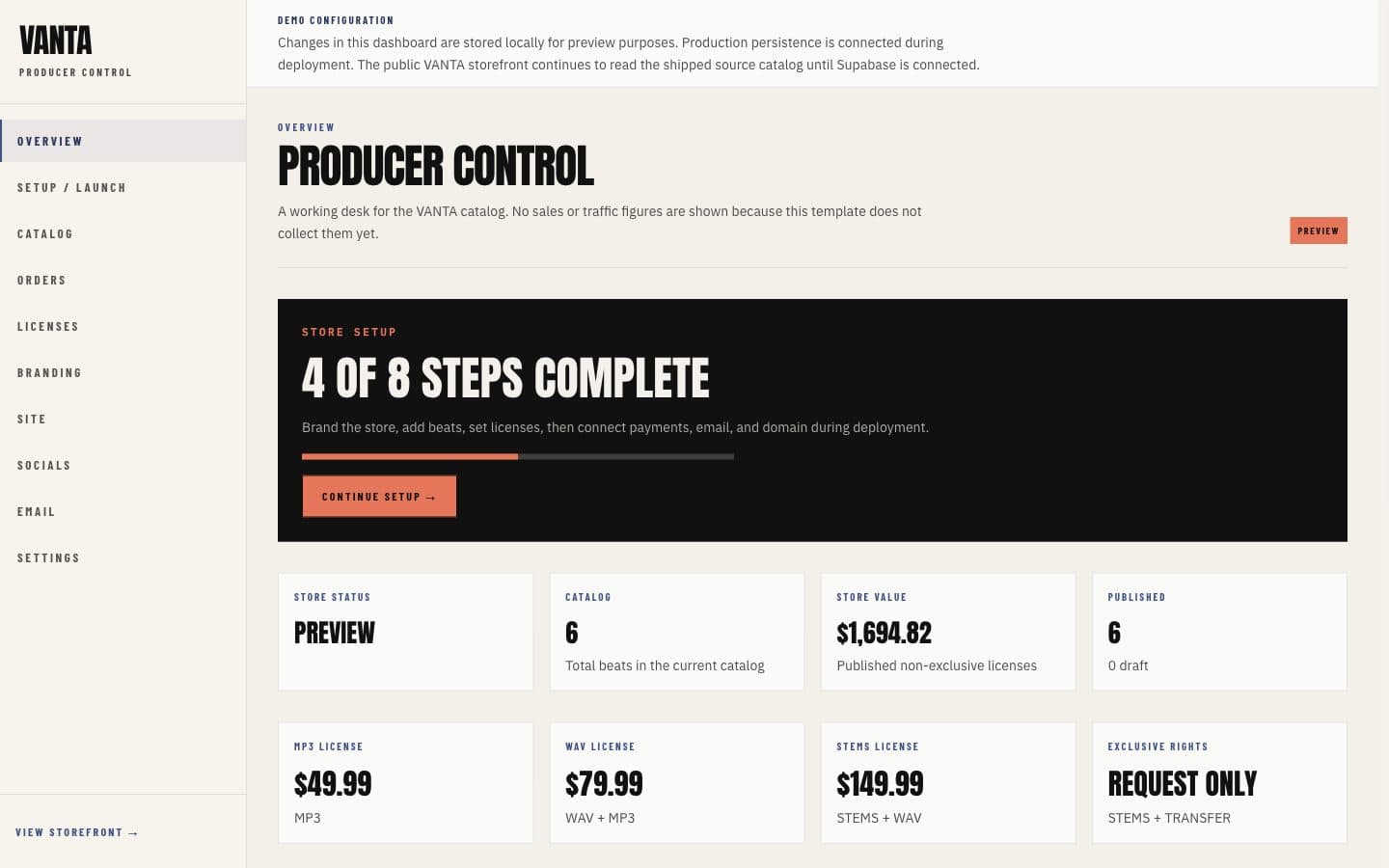
Run it from Studio after it is live.
Studio
01 / 05
01
Pick a platform whose structure already fits the work.
02
Put your name, catalog, and brand on it.
03
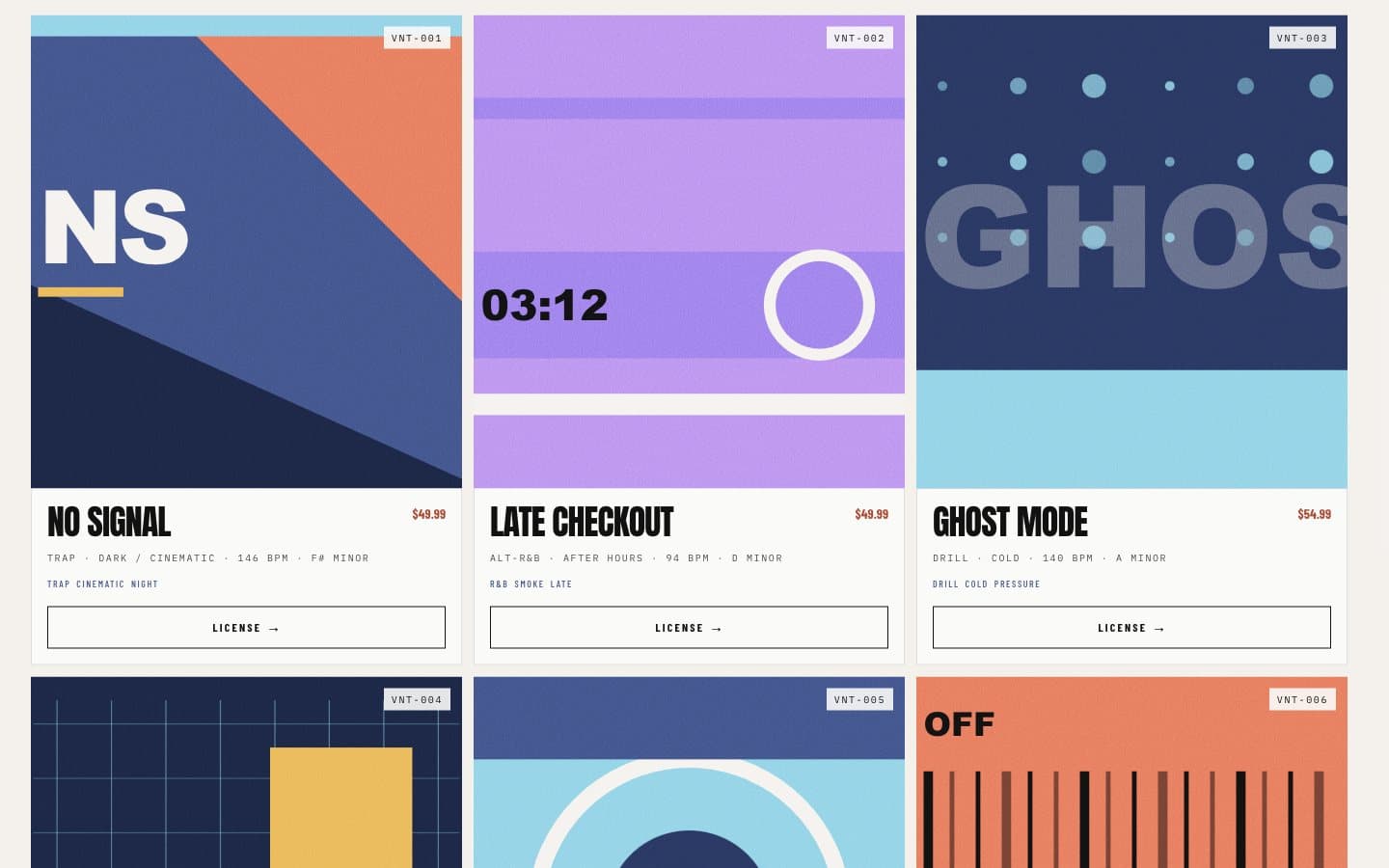
Releases, artwork, and the storefront can carry the producer’s name.
04
Publish the site and connect the domain it should use.
05
Run it from Studio after it is live.
Studio
01
Pick a platform whose structure already fits the work.
02
Put your name, catalog, and brand on it.
03
Releases, artwork, and the storefront can carry the producer’s name.
04
Publish the site and connect the domain it should use.
05
Run it from Studio after it is live.
Built into the platform
01
The public store is composed for desktop, tablet, and a phone in the hand.
02
A track can play while a buyer keeps moving through the catalog.
03
Releases are browsable by title, mood, key, and tempo.
04
License tiers explain the file and the rights a buyer receives.
05
Chosen licenses collect in a cart before purchase.
06
The path from a license to a completed order is part of the platform.
Platform categories
Start